Write without your hands.
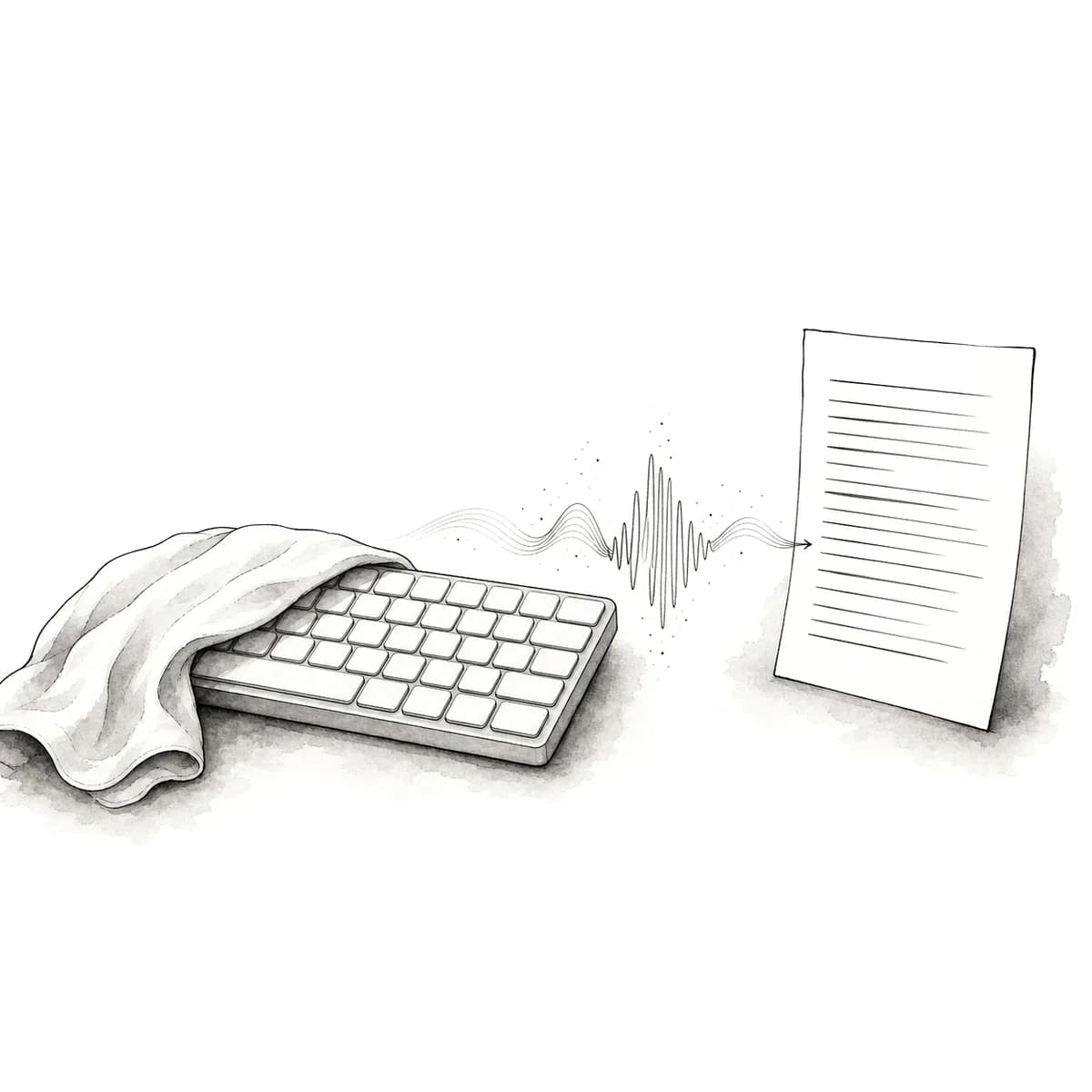
When typing hurts, or simply isn’t an option, you should still be able to put words on the page. Phrasora is push-to-talk dictation, hold a key, speak, and clean, punctuated text lands at your cursor in whatever app you’re already in. It’s built to do one thing well: get your words down without your hands, reliably enough to lean on every day.
Free for 2,000 words a week, no card. Mac, Windows, iPhone, Android, and the web.
Your cursor, in any app.
Phrasora isn’t a box you have to write inside and copy out of, it types into whatever app is already in front of you. On Mac and Windows you set a global hotkey, hold it, speak, and the finished text is pasted at your cursor in your email, a document, a chat, a web form, your editor. On iPhone and Android it works as a keyboard and a floating button, so any field you can tap is a field you can dictate into.
That means it fits the way you already work instead of asking you to move into one special editor. One account covers every device, so the hotkey on your laptop and the keyboard on your phone reach for the same dictionary and the same clean output.
Hold a key, speak, and the words arrive, no live transcript to watch, no separate window to manage.
Mac and Windows, a global hotkey pastes clean text at your cursor in any app.
iPhone and Android, a keyboard and a floating button for any field.
One account, one dictionary, the same words across every device.
A narrow tool that won’t surprise you.
If you’re relying on dictation to write, the worst thing it can do is quietly change your meaning. Phrasora is deliberately narrow: it cleans up fillers and false starts, fixes punctuation, and formats the text, but it doesn’t paraphrase you or invent a tidier version of what you said. A word you actually said stays exactly as you said it.
It’s also fast enough to feel like writing rather than waiting. From the moment you release the key to text at your cursor, the median is 871 milliseconds and the 90th percentile is 1,149 milliseconds, measured end to end on the production pipeline, not a benchmark rig.
Word accuracy on 73 real human-speech recordings.
Median from key release to text at your cursor.
Median word error rate on that same set, before cleanup.
90th-percentile latency, key release to cursor.
Stop fighting the same word.
Every dictation tool gets a name or an unusual word wrong sometimes. What matters when your hands are the constraint is how you fix it, without reaching for the keyboard, and without correcting the same thing every single day. Say the word and then spell it, and the letters win over what was heard, “new-win, N-G-U-Y-E-N” comes out “Nguyen”, spelled your way.
Better still, the correction sticks. The learning dictionary remembers the words you fix, nudges the transcription toward them next time, and carries every correction across your devices. Batch transcription sends only terms supported by the speech; eligible exact-English real-time transcription can use a small bounded dictionary panel, including synced terms not spoken in that take.
Dictionary hints guide spelling; they are not replacement rules.
send it to ms. new-win, N-G-U-Y-E-N, before the end of the day
PhrasoraSend it to Ms. Nguyen before the end of the day.
For writing, not running your computer.
It’s worth being clear about the boundary. Phrasora is hands-free text entry, it gets your words onto the page. It is not full voice control of your computer: it won’t move the mouse, open and switch between apps, or navigate menus by voice the way a dedicated voice-control tool does.
If you need to drive the whole operating system by voice, a purpose-built voice-control tool is the right choice. If what you mainly need is to write (emails, notes, documents, messages) without typing, that narrow focus is exactly why Phrasora stays fast and predictable at it.
Push-to-talk dictation into any app, with clean punctuation, formatting, and a dictionary that learns your words.
Move the cursor, open apps, or navigate your operating system by voice, that’s a different kind of tool.
The questions worth asking first.
Can I control my computer with my voice?
No, and we want to be honest about that. Phrasora is for writing hands-free, not for running your whole computer by voice. It doesn't move the mouse, open apps, switch windows, or navigate menus the way a full voice-control tool does. What it does is one thing well: you hold a key, speak, and clean text lands at your cursor in whatever app you're already in. If you need full voice navigation of the operating system, a dedicated voice-control tool is the right fit; if you mainly need to get words onto the page without typing, that's exactly what Phrasora is built for.
Does it work in the apps I already use?
Yes. Phrasora types into whatever app is in front of you, your email, a document, a chat, a web form, your code editor. On Mac and Windows it pastes clean text at your cursor in any application, triggered by a global hotkey you set. On iPhone and Android it works as a keyboard and a floating button, so you can dictate into any field. It isn't locked to one editor, and it's one account across every device.
What if a word comes out wrong?
You have a few ways to fix it without reaching for the keyboard. Say the word and then spell it, "new-win, N-G-U-Y-E-N", and the letters win over what was heard. Correct a name once and Phrasora remembers it in your dictionary, so you're not fighting the same misrecognition tomorrow, and the correction follows you across every device. Dictionary hints guide spelling; they are not replacement rules.
Is there a free way to try it?
Yes. Phrasora is free for 2,000 words of dictation a week, no card required, and there's a 14-day trial of the paid tier without a card if you want more. Try it on the writing you actually do, on your own device, before you decide anything.
Put words on the page, hands-free.
Free for 2,000 words a week, no card required, with a 14-day trial of the paid tier if you want more. Hold a key, speak, and see clean text land at your cursor, then judge it on your own writing.